Most Popular
 What's New
LocaChange - Pokemon GO Spoofer for iOS & Android
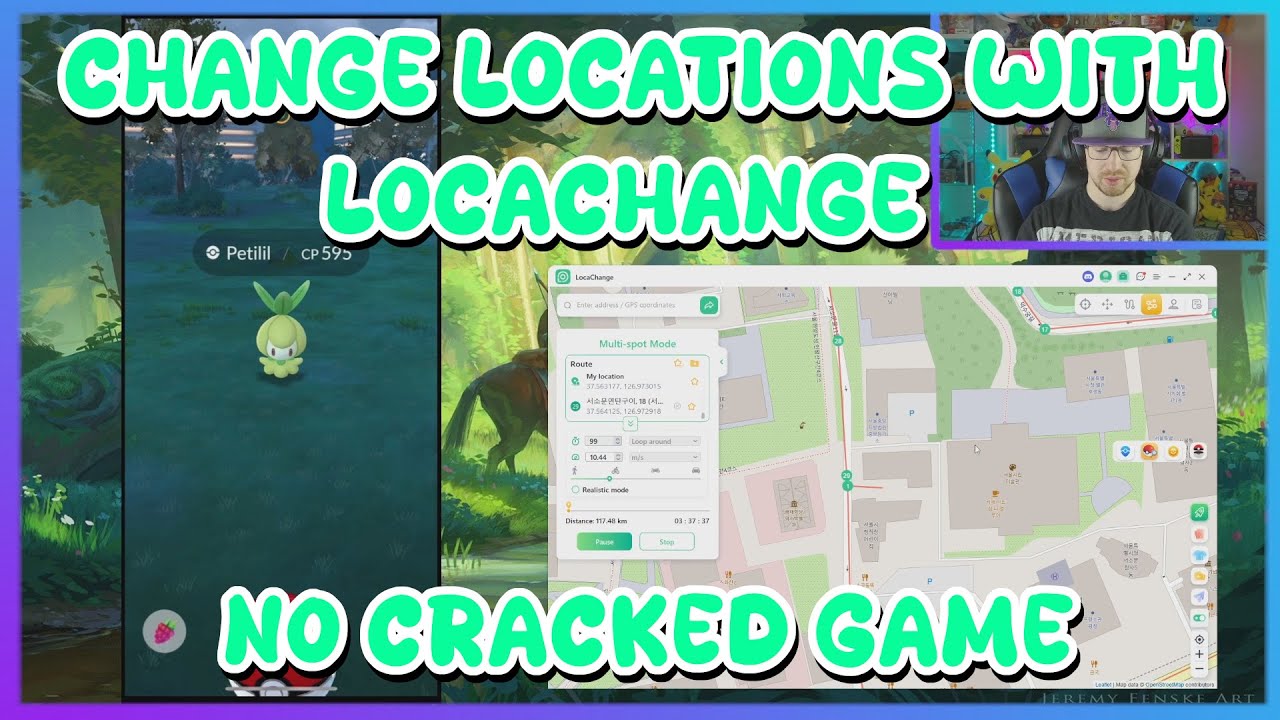
LocaChange is a safe Pokemon GO spoofer that lets you catch region-exclusive Pokemon, join global raids, and explore maps remotely using a safe movement simulation system without jailbreak or root.


Advanced Features for Better Pokemon GO Gameplay

Saved Locations
Save your favorite spots and return anytime with one click.
Saved Locations

Cooldown Timer
Shows safe waiting time after moving to help avoid abnormal actions.
Cooldown Timer

Multi-Device Support
Manage and control multiple phones from one computer.
Multi-Device Support

Bluetooth Connection
Stable wireless connection for smoother Pokemon GO spoofing.
Bluetooth Connection

GPX Route Import
Import walking routes and follow them automatically in game.
GPX Route Import

Screen Mirroring
View your phone screen and movement on a larger PC map.
Screen Mirroring

PvP Rankings
Quickly check IV rankings to keep the best Pokemon for battles.
PvP Rankings

PoKo Assistant
Enjoy Auto Raid, Auto-Rocket Battles, and Enhanced Throw features.
PoKo Assistant
What Can LocaChange Do for You?

-

Catch Region-Exclusive Pokemon Worldwide
Teleport across continents and hunt rare Pokemon without traveling.
-

Auto Walk to Hatch Eggs & Farm Candy
Simulate natural walking routes while you’re offline.
-

Join Raids Anywhere Instantly
Move to active gyms and participate in global raids in seconds.
-

Avoid Cooldown & Soft Ban Risks
Smart movement simulation keeps your gameplay realistic.
How to Use LocaChange to Spoof Pokemon GO?
- PC App
- iOS APP
- Android APP
-
Step 1
Connect your iPhone or Android device to the computer.
-
Step 2
Choose a location and movement mode on the map.
-
Step 3
Start simulation and open Pokemon GO.
-
Step 1
Install the LocaChange iOS app using the desktop assistant.
-
Step 2
Select a location and apply movement.
-
Step 3
Launch Pokemon GO and play from the new position.
-
Step 1
Install the LocaChange Android app via QR code.
-
Step 2
Enable Developer Options and set LocaChange as mock location app.
-
Step 3
Choose a location and start movement in Pokemon GO.
Pricing - Choose Your LocaChange Plan
Try Before Buy
$0.01 / 3 Days
- Only available for iOS
- All Features Unlocked
- No Risk Testing
$0.01 for a 3-day SVIP trial. The subscription will automatically renew after the trial unless canceled before it ends.
Most Popular - Yearly Plan
$129.99 / Year
- iOS App for 5 iPhones
- Auto Route & Joystick
- Free PoGo Atlas & PoGo Search
- Unlimited PCs/Macs + 10 iOS/Android
- Free Updates All Year
Lifetime - One Time Pay
$199.99 Once
- iOS App for 5 iPhones
- Everything in Yearly
- Pay Once, Use Forever
- All Future Updates
- Priority Support
FAQs About Pokemon GO Spoofer for iOS & Android
-
1. What Is Spoofing in Pokemon GO?
Spoofing in Pokemon GO means changing your GPS location so the game believes you are somewhere else.
Players use it to catch regional Pokemon, join remote raids, explore events, or play when they cannot physically travel. -
2. Can You Still Spoof in Pokemon GO?
Yes, but not all spoofing methods are safe anymore.
Modified game apps and emulators are heavily detected today. Modern tools use GPS simulation at the system level instead of altering the game itself, which greatly reduces detection risk when used responsibly. -
3. Can You Spoof Pokemon GO on PC?
Yes. Many players spoof using a computer by connecting their phone and changing the device GPS from desktop software.
This method is generally more stable than installing modified game apps because the official Pokemon GO app remains untouched. -
4. Do You Get Banned for Spoofing Pokemon GO?
Niantic uses a strike system:- First strike: warning
- Second strike: temporary suspension
- Third strike: permanent ban
-
5. Is It Legal to Use LocaChange?
LocaChange itself is legal in most countries because it only modifies your device GPS data.
However, spoofing may violate Pokemon GO’s Terms of Service. Users should understand the game rules and use the tool responsibly. -
6. How to Spoof Pokemon GO Without Getting Banned?
No method is completely risk-free, but bans mostly come from unrealistic movement. Wait proper travel time after changing location and avoid jumping across distant regions repeatedly. Using the official game app and moving naturally greatly lowers the risk.
-
7. What Is the Safest Pokemon GO Spoofer?
PC-connected GPS changers like LocaChange are generally safer than modded apps or emulators because the official Pokemon GO client stays unchanged. They simulate device movement instead of modifying the game, which looks more like normal gameplay.
Learn More About Playing Pokemon GO Remotely

- 1. 17 Best Pokemon GO Spoofers for iOS & Android [2026 Updated]
- 2. Is Locachange Safe? LocaChange Review in 2026
- 3. Fake GPS Pokemon GO on Android & iOS (Safe and Free)
- 4. How to Spoof in Pokemon GO Without Getting Banned 2026?
- 5. 6 Best Pokemon GO Joystick for iOS and Android
- 6. How to Teleport in Pokemon GO iOS & Android?
- 7. How to Move in Pokemon GO Without Walking?
- 8. Pokemon GO Auto Walker: How to Auto Walk in Pokemon GO?