


 Most Popular
 What's New
How to Spoof in Pokemon GO Without Getting Banned 2026?

LocaChange - Pokemon GO Spoofer
Follow cooldown rules and catch Pokemon without getting banned. 100% safe to use without Jailbreak/Root.

Pokemon GO spoofing lets you catch rare Pokemon worldwide - but Niantic's anti-cheat system is stronger than ever in 2026. If you want to spoof in Pokemon GO without getting banned, you need the right methods and precautions.
In this guide, we'll cover the safest spoofing methods, latest tools, and proven strategies to avoid bans. Let's dive in!
In this article:
Why Pokemon GO Spoofing Can Get You Banned
Pokemon GO spoofing means changing your GPS location to play the game from a different place. Players often use spoofing to catch regional Pokemon, join raids in other countries, or take part in global events without traveling.
However, location spoofing violates Niantic's Terms of Service. If you use unsafe methods, move unrealistically, or rely on unstable third-party tools, your account can be flagged by Niantic's systems and receive penalties, including permanent bans.
Watch Video Tutorial to Spoof in Pokemon GO Without Getting Banned:
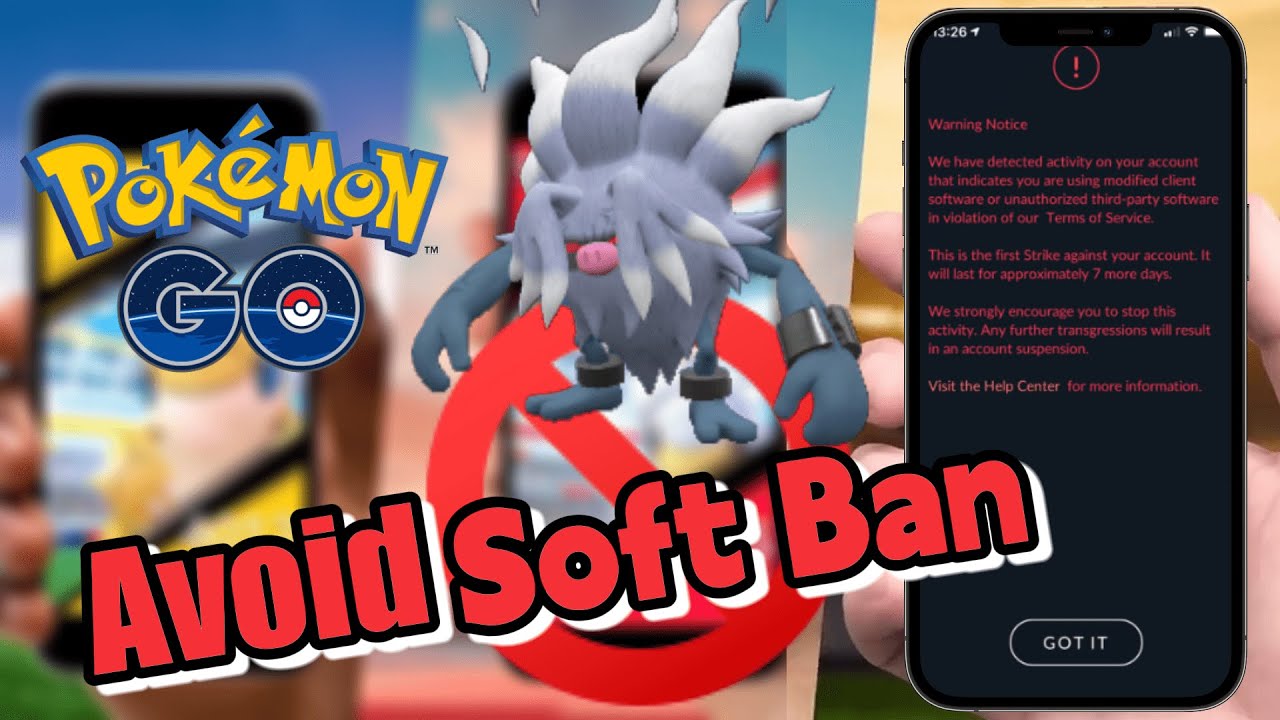
How Niantic Detects Spoofing in Pokemon GO
Niantic uses multiple detection systems to identify abnormal gameplay behavior. Most spoofing bans are not random - they are triggered by actions that clearly break normal movement patterns or gameplay limits.
Common triggers include sudden long-distance location jumps, ignoring cooldown rules, repeated teleporting, and the use of unauthorized third-party apps that directly modify the game client.
Depending on the severity and frequency of spoofing behavior, Niantic may apply different enforcement actions:
1 Soft Ban: 2-12 hoursSoft bans are usually caused by sudden long-distance teleports or cooldown violations.
- Pokemon flee immediately when encountered
- PokeStops and Gyms stop responding
Shadow bans often result from repeated unsafe spoofing or continued use of risky spoofing tools.
- Only common Pokemon appear on the map
- Limited access to special events or special Pokemon<
A temporary ban disables account access for a fixed period. This penalty is typically applied after multiple warnings or more serious violations.
4 Permanent BanPermanent bans result in complete account termination. All progress, items, and in-game purchases are permanently lost, and appeals are generally not accepted.
- Complete account removal
- All progress, items and purchases forfeited
- No appeal possible
Note: Common warning signs include no Pokemon spawning, disabled PokeStops or Gyms, and in-game warning messages from Niantic. If you notice any of these signs, stop spoofing immediately to reduce the risk of further penalties.
How to Spoof in Pokemon GO Without Getting Banned?
| Tool | OS | Root/Jailbreak | Ban Risk | Rating |
|---|---|---|---|---|
| LocaChange | iOS & Android | No | Very Low | 
|
| PGSharp | Android | No | Medium |
|
| iPogo | iOS | Need | High |
|
| iTools | iOS | No | Low |
|
1 LocaChange [iOS & Android]
LocaChange is a user-friendly Pokemon GO Spoofer that works on both iOS and Android. It allows you to fake your GPS location in Pokemon GO without jailbreaking or rooting your phone. With LocaChange, you can teleport to any location around the world to participate in global events and catch region-exclusive Pokemon with ease.
LocaChange's development team has designed a dedicated Pokemon GO Mode, which offers a suite of advanced features to enhance your gameplay - like an IV Checker, Auto Catcher, and interactive Pokemon GO maps.

 Key Features of LocaChange
- Cooldown timer feature helps you avoid Pokemon GO Ban.
- Spoof in Pokemon GO to catch legendary Pokemon and hatch eggs without walking.
- 5 route modes including Jump Teleport Mode, 360-degree Joystick Mode, Multi-spot Mode meet all your need.
- 100% safe to use without Jailbreak/Root requirements.
- Compatible with iOS and Android, supports 10 devices at the same time.
- More advanced features: 360-degree Joystick, Quick Catch, Auto Catcher.

Here's how to spoof in Pokemon GO safely with LocaChange:
Step 1 Download and install LocaChange app on your iPhone/Android.
Step 2 Open LocaChange app and follow the on-screen instructions, and complete the initial setup. (see the LocaChange User Guide for details.)
Step 3 Select Pokemon GO Mode, choose your desired location on the map, and tap Move.

Step 4 Launch Pokemon GO and your GPS location will now reflect the spoofed location!
LocaChange also supports you to spoof in Pokemon GO on your computer. What's more, you can use Bluetooth to directly connect your computer to your phone, which is more secure.

Pros
- Very low risk of getting banned due to advanced features like Cooldown Timer.
- Works on up to 10 devices, no root/jailbreak needed.
- Adjust the different speeds of movement to simulate real route.
- The unique Pokemon GO mode provides more features.
- No jailbreak/root required, which improves the security of the device.
Cons
- Free version has limited features.
2 PGSharp [Android]
PGSharp is a modified version of the official Pokemon GO APK that includes built-in spoofing feature. It allows Android users to spoof in Pokemon GO world without getting banned, making it especially popular among trainers who want to catch region-exclusive Pokemon or access rare spawns from home.
How to spoof in Pokemon GO with PGSharp:
Step 1 Visit the official PGSharp website and download the latest APK version.

Step 2 Install the APK on your Android device and open the PGSharp app.
Step 3 Log in using your Pokemon GO account (preferably a secondary account for safety).
Step 4 Use the on-screen joystick to simulate walking, explore different areas, and enjoy spoofed gameplay.

Pros
- There are many related Pokemon GO features: IV Checker, Pokemon Scanner.
- Regular updates to stay compatible with the latest Pokemon GO versions.
- Works on most Android phones without rooting.
Cons
- It is not available on iOS devices.
- Since it's a modified Pokemon GO app, it may be flagged by Niantic's anti-cheat system, which could lead to soft bans or account suspension.
3 iPogo [iOS]
iPogo is a popular third-party spoofing tool for iOS devices that lets you spoof in Pokemon GO without getting banned. It allows users to teleport, simulate walking, catch rare and regional Pokemon, and access various premium features - all from their iPhone or iPad.
How to use iPogo to spoof in Pokemon GO without getting banned:
Step 1 Go to iPogo official website and download the iPogo IPA on your computer.
Step 2 Connect your iPhone or iPad to the computer using a USB cable.
Step 3 Open Sideloadly (or another sideloading tool), select the iPogo IPA file, and install it onto your device.

Step 4 Open iPogo on your iPhone and launch Pokemon GO with spoofing features activated.

Pros
- Offers useful features like IV Checker, teleportation, enhanced throws.
- Supports the latest iOS versions and most iPhone models.
Cons
- Advanced features and better stability require a jailbroken iPhone, which can be risky and complex.
- Niantic easily detects third-party apps, higher risk of banning.
- Must be re-signed every 7 days (unless using a signing service) and revoked certificates can cause temporary unavailability.
4 iTools [iOS]
iTools is a powerful desktop application designed to manage iOS devices and one of its standout features is Virtual Location, which allows users to spoof in Pokemon GO without getting banned. Since it doesn't require jailbreaking or modifying the Pokemon GO itself, iTools is considered one of the safest spoofing methods available, especially for iPhone users who want to avoid detection.
How to Use iTools for Pokemon GO Spoofing:
Step 1 Download and install iTools from the official iTools website.
Step 2 Launch iTools on your computer and connect your iPhone or iPad using a USB cable.
Step 3 In the iTools dashboard, click on the Virtual Location icon.

Step 4 Type in the desired GPS location in the search bar, click Move here and start to spoof in Pokemon GO.

Pros
- Low risk of being banned as no game files need to be modified.
- No jailbreaking required and works on all iOS versions.
- Simple, clean interface ideal for beginners.
Cons
- Requires a computer - Not a standalone mobile app.
- Paid software - Free trial has limited features.
What to Do If You Get Banned in Pokemon GO?
Getting banned in Pokemon GO can be frustrating, especially if you've invested a lot of time and money into building your account. Whether it's a temporary suspension or a permanent ban, here are a few steps you can take to deal with the situation:
1 Stop Spoofing Immediately
If you've received a warning or a temporary suspension, the first thing you should do is stop using any spoofing tools or modified apps, such as PGSharp or iPogo. Continuing to spoof after a warning can increase your chances of receiving a permanent ban. Let your account cool down, and avoid any suspicious activity during this period.
2 Submit a Ban Appeal
If your account has been banned, you can try to contact Niantic's customer support to appeal the decision. Some players have had success by claiming that their account may have been "hacked" or accessed without permission. While this doesn't guarantee recovery, it's worth a try.


Tip
You can submit an appeal via the Niantic Help Center.
3 Create a New Account
If your account has been permanently banned and Niantic rejects your appeal, there's unfortunately not much else you can do. It may be better to create a new account and start over rather than argue with the support team.
Tip
Don't worry if you're starting from scratch. With safe and reliable spoofing tools like LocaChange and by following cooldown rules strictly, you can still complete your Pokédex faster than ever - without putting your account at unnecessary risk.
FAQs
1. Can Niantic Detect Spoofing?
Yes. Niantic can detect spoofing in Pokemon GO. If your gameplay shows suspicious behavior such as catching Pokemon from different continents in a short time or teleporting instantly between distant locations, this may result in an account warning, suspension, or permanent ban.
2. Does a Pokemon GO Spoofer Stop You From Getting Banned?
No. No spoofing tool can guarantee 100% protection from bans. Niantic continuously updates its anti-cheat system to detect spoofers. That said, some tools like LocaChange and iTools are considered safer because they don't modify Pokemon GO directly and include built-in features like cooldown timers to help reduce detection risks.
3. What is The Safest Spoofing Method in 2026?
The safest method is using LocaChange along with its cooldown timer feature. This function tracks how long you should wait before making another movement in the game, helping you avoid unnatural travel patterns that Niantic's system flags as suspicious.
4. Is Spoofing Legal in Pokemon GO?
Spoofing violates Pokemon GO's Terms of Service, so it's not officially allowed. While it's not illegal under the law, using spoofing tools may result in in-game penalties such as warnings, suspensions, or permanent bans.
5. Can I Use the Same Pokemon GO Account on Multiple Spoofing Apps?
It's not recommended. Switching between spoofers like PGSharp, iPogo, and LocaChange can lead to inconsistencies in location data, increasing your ban risk. Stick to one reliable tool, and always follow cooldown rules.
Conclusion
Spoofing in Pokemon GO without getting banned is the key to a new world of gameplay. By using trusted tools like LocaChange, following cooldown rules,and avoiding risky behavior, you can catch and raid without getting banned. Ready to spoof smart? Start with LocaChange and play Pokemon GO your way!

- Features
- Device support
- Teleport mode
- Two-spot mode
- Multi-spot mode
- Wifi connection
- Speed custom
- Historical records
- Others
- 1
- LocaChange
- 10


- Pokémon GO
- GPS Spoofing
- AR Gaming
- AR gaming and GPS spoofing specialist with over a decade of software experience. He is a trusted writer on Pokémon GO tips and safe location-changing strategies, helping over 2 million users worldwide. As an Apple enthusiast and expert in location-changing technology, he brings both technical depth and gaming insight to every guide.
 Related Articles
- Fake GPS Pokemon GO on Android & iOS (Safe and Free)
- 15 Best Pokemon GO Cheats and Hacks for iOS/Android
- How to Move in Pokemon GO Without Walking? [iOS & Android]
- [2025 Safe] How to Teleport in Pokemon GO iOS & Android?
- [2026 Guide] How to Change Your Location in Pokemon GO (iOS & Android)
- [2025 Safe] How to Fly in Pokemon GO on iOS & Android?